

Base builder
Free Miniature Base Generator
Create a round or oval base with a texture and nameplate, add your 3D model, and download one merged STL — free, with no CAD or account.

- Sizes: 25–60 mm, round & oval
- Plate styles: 51
- Fonts: 22, Cyrillic included
- Output: free STL and GLB
Case studies
See what a finished print can look like
Original visualizations of possible results. Actual appearance depends on your model, material, printer, and print settings.


How it works
1
Pick a base
Round or oval, a standard wargaming size or your own — anything from 10 to 300 mm. Height, edge bevel and plate thickness are sliders.
2
Engrave the name
51 plate styles from plain to gothic with rivets, skulls and blades, 22 fonts with Cyrillic and accented characters. Or skip the plate — letters emboss straight onto the base wall.
3
Mount a model and download
Upload your STL/OBJ/GLB or reuse a model generated by AI. The builder seats it on the base and hands you a single printable STL.
Base size chart: D&D and wargaming
Standard sizes at a glance. Hit the button in a row and the builder opens with that base preset.
| Size | Typical use | Build |
|---|---|---|
| 25 mm round | D&D Medium creatures (1 inch), wargaming infantry | Build this base |
| 28.5 mm round | Classic infantry footprint of older ranges | Build this base |
| 32 mm round | Modern infantry — the most common size | Build this base |
| 40 mm round | Heavy infantry, characters, D&D Large creatures | Build this base |
| 50 mm round | D&D Large creatures (2 inches), elites | Build this base |
| 60 mm round | Monsters, vehicles, D&D Huge creatures (3 inches) | Build this base |
| 60 × 35 mm oval | Cavalry and larger models on ovals | Build this base |
| 75 × 42 mm oval | Mid-size monsters, bikes | Build this base |
| 90 × 52 mm oval | Large monsters and vehicles | Build this base |
| 105 × 70 mm oval | Gargantuan models, big vehicles | Build this base |
Oval sizes are shown as length × width. For a specific game or tournament, check the organizer's current official rules.
AIPRINTGEN is not affiliated with the rights holders of the game systems mentioned. Their names are used only to describe size compatibility.
Textured base top: 33 ready surfaces or your own from a description
The top of the base is not a flat disc. It carries relief: cobblestones, planks, forest floor, snow, bones. Ready surfaces are drawn separately for round and oval bases, so the texture never stretches when you change the shape.
Stone and city
-
 Old Cobblestone
-
 Old Brick Street
-
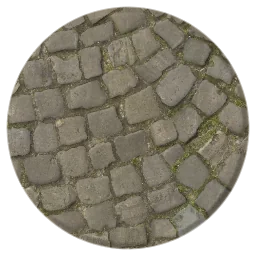 Worn Flagstones
-
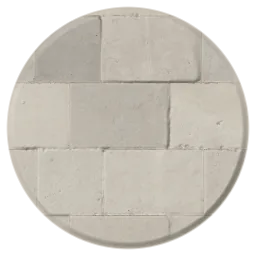 Pale Stone Tiles
-
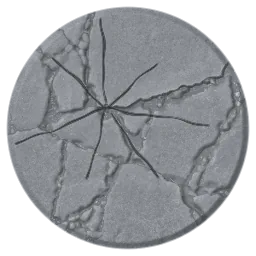 Shattered Flagstones
-
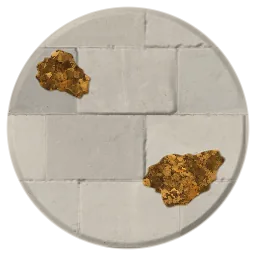 Leaf-strewn Flagstones
-
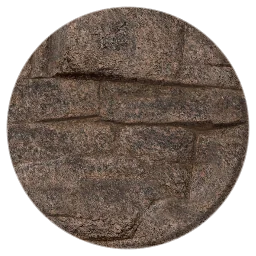 Slate Shards
-
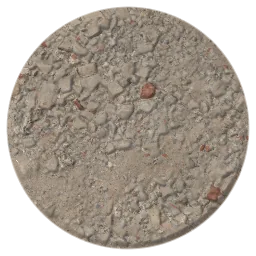 Ruined Masonry
Wood and decking
-
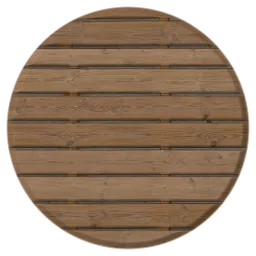 Weathered Planks
-
 Dark Planks
-
 Old Painted Planks
-
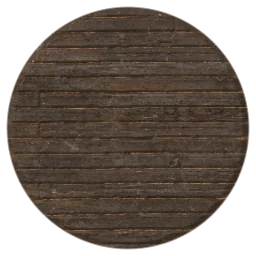 Staggered Planks
-
 Cracked Boardwalk
-
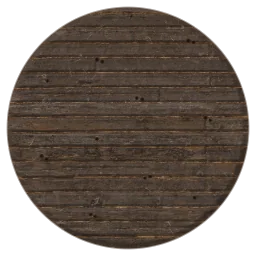 Nailed Deck
Ground and battlefield
-
 Rocky Ground
-
 Cracked Earth
-
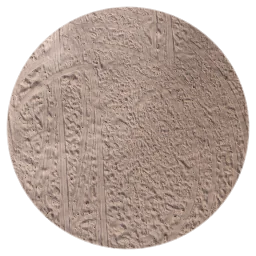 Natural Sand
-
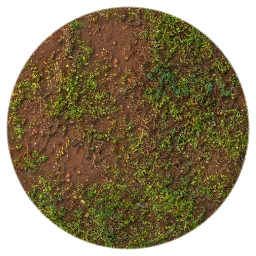 Leafy Mud
-
 Muddy Puddles
-
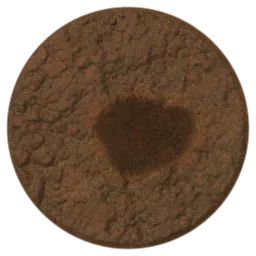 Mud Crater
-
 Burned Ground
-
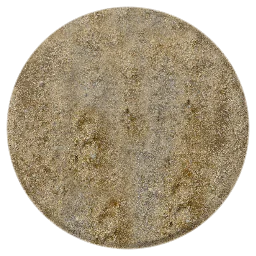 Gravel & Dirt
Forest and nature
-
 Forest Floor
-
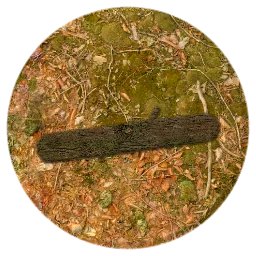 Fallen Log
-
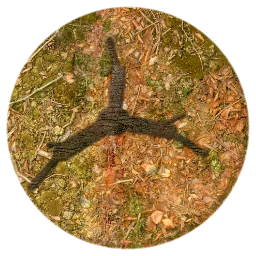 Gnarled Roots
-
 Autumn Leaves
-
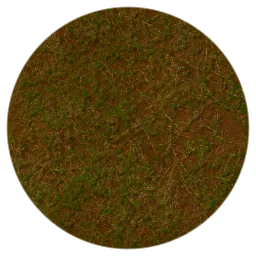 Trampled Grass
-
 Green Hill
-
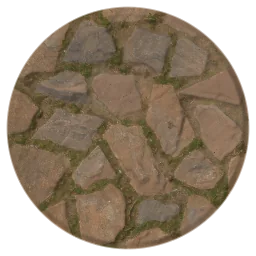 Mossy Stones
Fantasy and dungeon
-
 Dungeon Floor
-
 Scattered Coins
-
 Bone Field
Snow and ice
-
 Snow & Ice
What you can tune on a surface
- Coverage — relief fills the whole base or only part of it
- Relief height — from fully flattened to three times more pronounced
- Seating height — the figure stands ON the relief instead of sinking into it
- Clear zone — a free patch so the feet land on something flat
Your own surface from a text description
If the library has no matching scene, describe it in words — the generator builds the relief and places it on the base. Neither ready-made STL libraries nor parametric generators do this: there you pick from what was drawn in advance.
One generation costs 1 credit and requires a signed-in account. If it fails for technical reasons the credit is returned automatically — exactly once, guaranteed by a transaction rather than a manual check.
Example descriptions
- wet cobblestones with moss in the cracks
- cracked desert clay
- snow over broken rocks
- dungeon floor with bones and coins
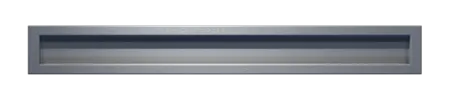
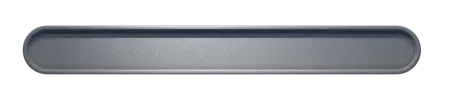
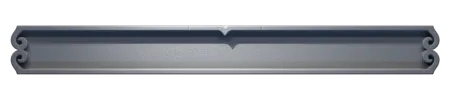
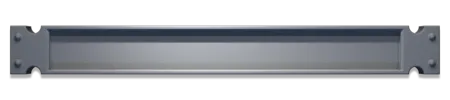
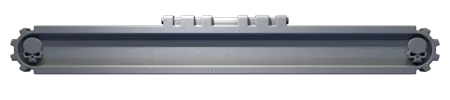
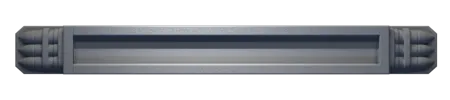
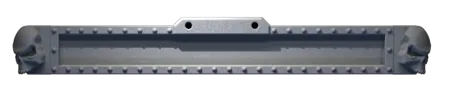
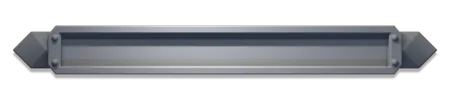
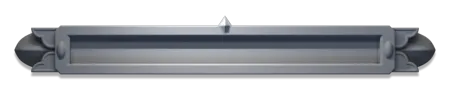
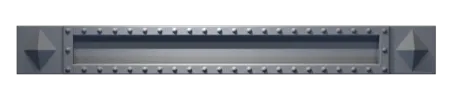
51 nameplate styles
From a plain plate to gothic frames with rivets, skulls and blades — plus a plate-less mode where the letters emboss straight out of the base wall. Styles switch in one click and the preview updates instantly.










Why a dedicated base
A base does three jobs at once: it keeps the figure upright on the table, brings it to a footprint commonly used in tabletop wargames and turns a print into a finished display piece. Blank bases are cheap by the bag — but the moment you need a non-standard diameter, a character name or a base under your own model, off-the-shelf options run out.
That is exactly the gap this tool fills. Set the size and shape, choose the plate style, type the name — and get an STL for FDM or resin printing. No manual modelling: no Blender, no Meshmixer, no parametric scripts inside a slicer.
You can also put your own model on the base. Upload a mini you printed before or generate one here from text or a photo — the builder merges it with the base and reinforces the contact area so thin legs do not snap off.
Put your own model on the base
Upload an STL, OBJ, GLB or GLTF file — the builder fits the model to the base, gives you scale, rotation and offset controls and shows the final size in millimetres. Nothing has to be fixed up in another editor first.
No model yet? Generate one on this site from a text prompt or a photo. Saved models land in My Models, and from there a single button opens them inside the builder.
- Contact reinforcement: a sculpted mound over the support footprint, or sink the model bottom into the base — so thin legs survive printing
- Anything below the base sole is clipped away automatically
- The result is saved to My Models: millimetre scaling and STL, OBJ, FBX downloads like any other model
- Bases are always private — an engraved name never reaches the public catalog or feed
- The base top can be textured too: 33 ready presets (stone, wood, snow, grass) or your own — generated by AI from a photo or description for 1 credit
Who it is for
- D&D and tabletop RPG players — named bases for characters and NPCs
- Wargamers — common sizes 25–60 mm plus ovals, one look across a squad
- Print-on-demand shops — a base under any customer model in minutes
- Scale modellers — a plinth with a plaque for ships, tanks and aircraft
- Collectors — an engraved pedestal for a painted figure
- Awards and gifts — a base with a name and a date
Generator, ready-made STL or manual modelling
| Capability | AIPRINTGEN generator | Ready base from a catalogue | Blender or CAD |
|---|---|---|---|
| Fitted to a specific figure | Yes | Usually no | Yes |
| Standard and custom sizes | Yes | Depends on the file | By hand |
| Ready surfaces | 33 | One, baked into the file | Must be built |
| Own surface from a description | Yes | No | By hand |
| Name on a plate, Cyrillic | Yes | Rarely | Depends on the font |
| Single merged file | Yes | Align it yourself | Yes |
| 3D editor skills needed | No | No | Yes |
| Full control of complex geometry | Limited | No | Yes |
The builder speeds up a typical round or oval base but does not replace Blender everywhere: multi-level dioramas, flight stands and magnet sockets are still handmade.
Check the STL before printing
The builder hands you a file, not a guarantee of a good print. A minute of checking costs less than a failed run.
- Inspect where the figure meets the relief from every angle
- Compare the final size in millimetres — it is shown right in the builder
- Open the file in a slicer and choose the orientation
- Add supports if the figure itself has overhangs
- Fine detail usually prints better in resin; large bases are fine on FDM
- Print one base as a test before running a whole squad
We do not promise the file prints first time on any printer: orientation, supports and settings depend on your hardware and on the geometry of the figure itself.
FAQ
Is it really free?
Yes. The builder and the STL download are free, no account is required and there are no watermarks. Signing in only matters if you want to save the result to My Models and come back to it later.
Which base sizes are available?
Wargaming presets — 25, 28.5, 32, 40, 50 and 60 mm rounds plus ovals from 60×35 to 105×70 mm. Sliders cover any size from 10 to 300 mm, up to 40 mm tall with an edge bevel up to 5 mm.
Is it compatible with Warhammer 40k, Age of Sigmar and D&D?
The builder includes common round and oval sizes used by these systems. Requirements can change, so check the current official rules before a tournament.
Does engraving support non-Latin text?
Yes. All 22 fonts carry Cyrillic, and accented Latin is covered too. If a font lacks a glyph you typed, the builder says so and offers a compatible one.
How do I mount my own model?
On the Model tab press Upload file and pick an STL, OBJ, GLB or GLTF. Or open From my models and reuse a saved one, including anything generated by AI here.
What can I print this on?
Both FDM and resin. The base is simple overhang-free geometry, and engraving starts at 0.4 mm of relief so it stays readable even with a 0.4 mm nozzle.
Can I use the result commercially?
Yes. Under section 4.5 of the User Agreement, you may use your own results personally or commercially, provided you respect third-party rights.
Do I need Blender or a slicer plugin?
No. Everything is computed in the browser and you get a ready STL — straight into your slicer.
What format is the base downloaded in?
The builder exports STL and GLB — pick the format next to the download button. STL goes straight to a slicer; GLB is handy if you want to tweak the model in an editor. Save the result to My Models and the other formats become available there, like for any of your models.
Do I need an account, and what does it cost?
Building a base and downloading the file is free and needs no registration. An account is needed to save the project to My Models, come back to it later and pick your own models from the library. Credits are spent only on generating your own surface from a description — 1 credit per attempt.
Will it need supports?
Sometimes. The base itself usually prints without them, but the figure may have overhangs — arms, weapons, a cloak. The slicer decides once you choose the orientation, so open the file and look rather than printing blind.
The figure will not sit on the relief — what now?
The builder has four controls for exactly this: a clear zone flattens a patch of relief, seating height raises or lowers the model, and the mound and sink modes reinforce the contact so thin legs do not snap off in print.
Build a base for your miniature
Size, plate style, name and your own model — a couple of minutes, and the STL is free.
Open the builder Our community