

2026-08-12
How to Create a 3D Model from a Drawing in AIPRINTGEN
Six practical CAD-generation cases using drawings, photographs, an isometric view and technical prompts, with dimension checks and guidance on choosing STEP or STL.
Read article →Guides, walkthroughs and product notes about AI 3D generation and 3D printing.
2026-08-12
Six practical CAD-generation cases using drawings, photographs, an isometric view and technical prompts, with dimension checks and guidance on choosing STEP or STL.
Read article →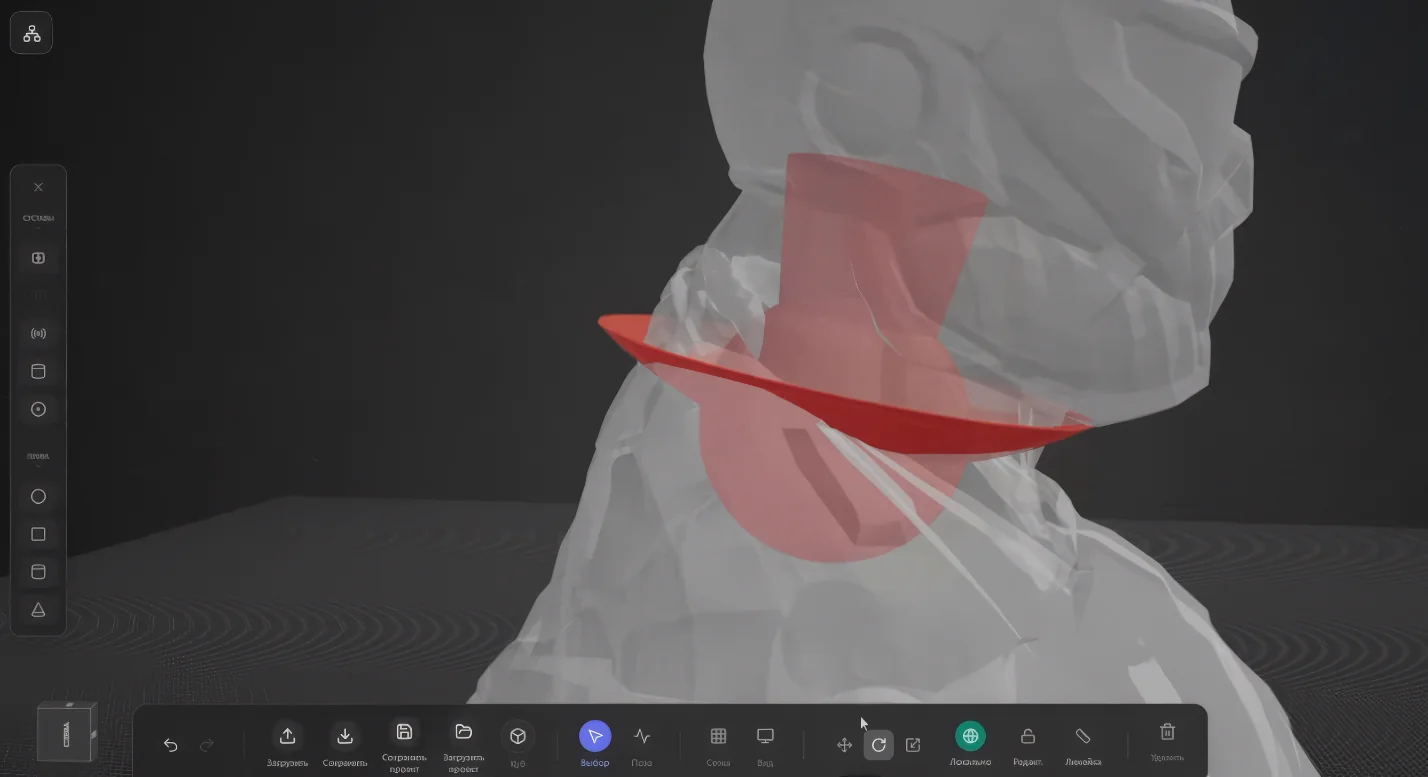
2026-08-11
Compare geometry, materials, animation, units and common workflows from 3D printing to web and CAD.
Read article →
2026-07-27
Which photo suits image-to-3D, how to pick the generation settings, inspect the model from every side and prepare it for 3D printing in AIPRINTGEN.
Read article →
2026-07-27
A practical CNC workflow: compare generated versions, adjust the relief geometry and hand the STL to CAM for toolpath calculation.
Read article →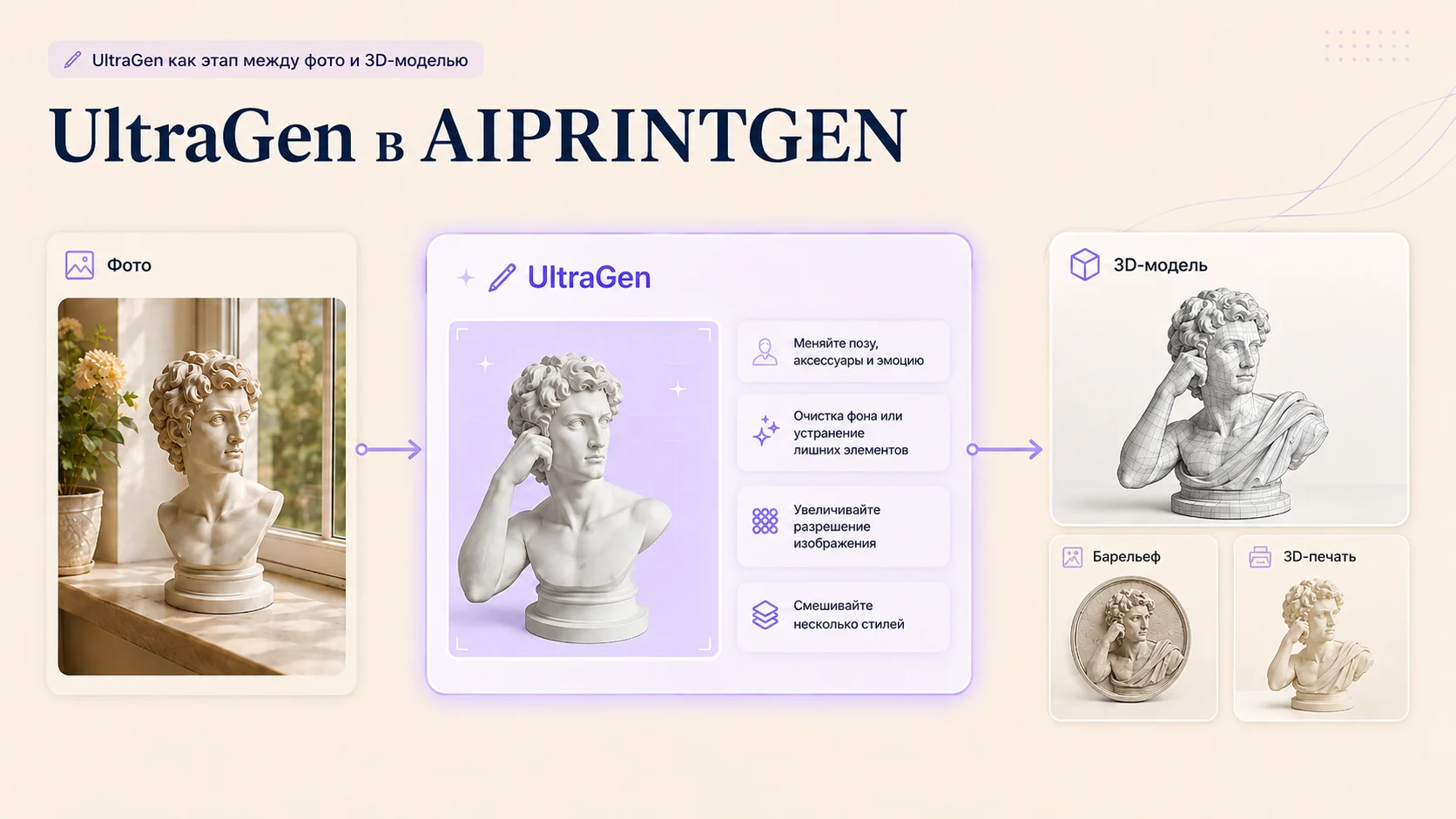
2026-07-27
Seven practical uses for the UltraGen tab: sharper detail, cleaner angles, removing unwanted objects, prepping a source image for a bas-relief, generating bases and blending styles.
Read article →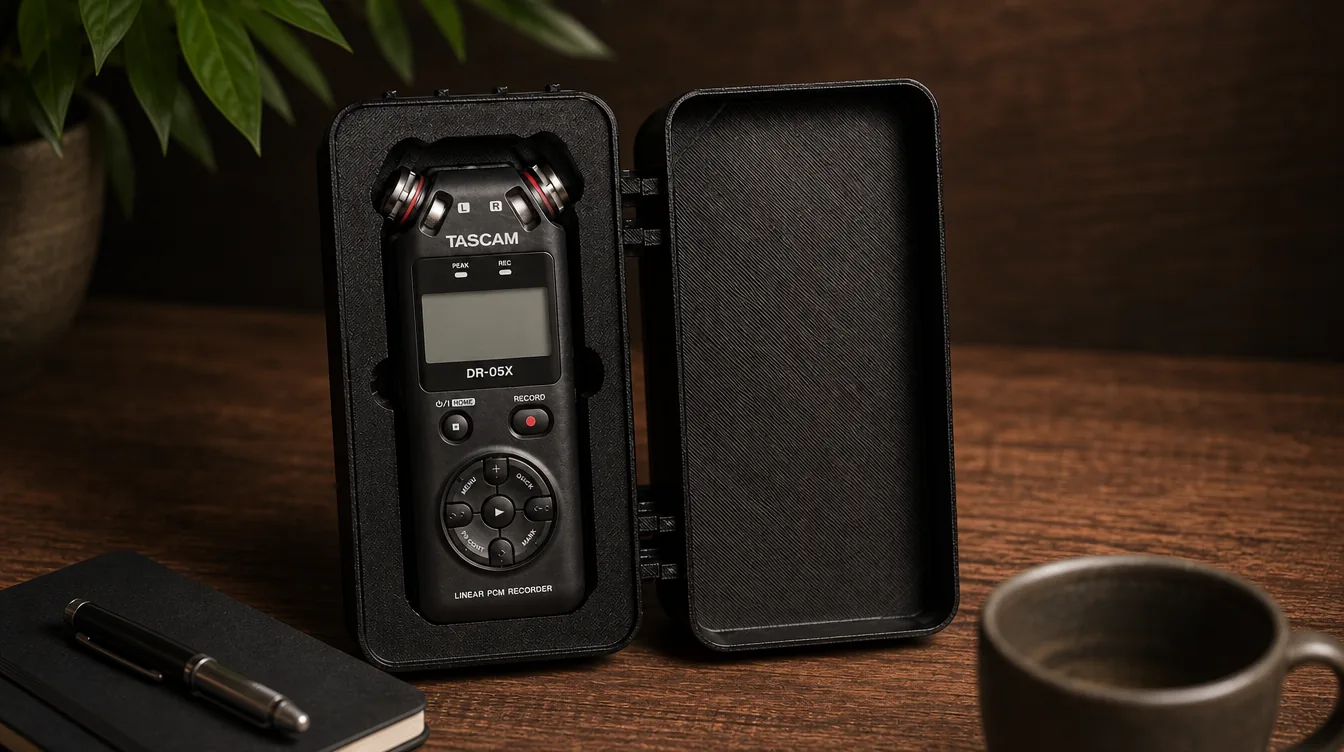
2026-06-17
Turn a top-down photo into a fitted tool tray, drawer insert or case insert for 3D printing and cutting.
Read article →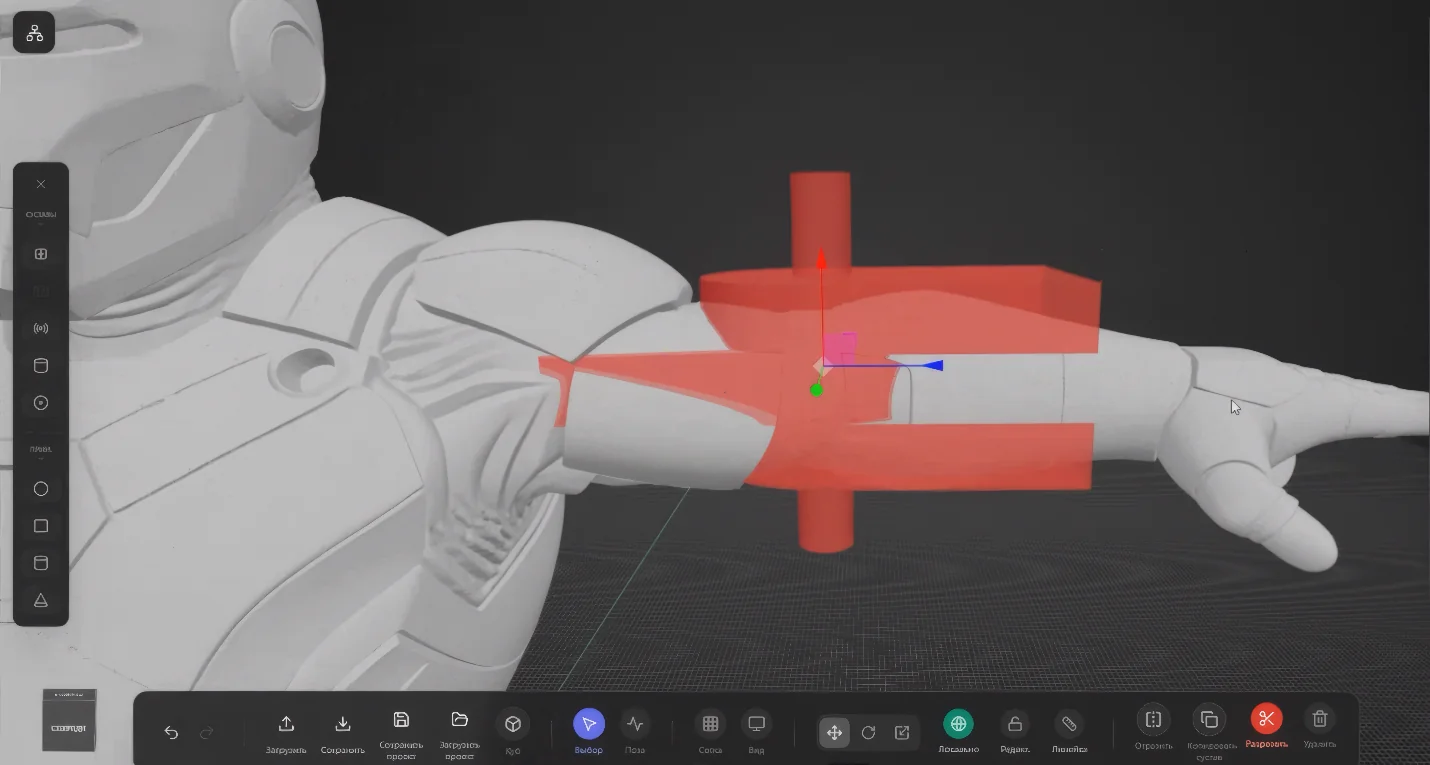
2026-05-28
How Riggable splits an STL/OBJ model into parts, adds joints, and prepares an articulated figure for 3D printing with AIPRINTGEN.
Read article →Reviews
«Lately we've been using this service more often than the foreign ones»
 Artyom SobolevTelegram
«I did nothing to the model at all. As soon as it generated, I sent it straight to print. I used a text prompt. I think it turned out really great»
 Anna Dianova
«I've tried every generator except Sloyd, and I can say aiprintgen is the best. I took 4 photos and ran them through almost every generator available. All of them except printgen produced a model with artefacts I'd have had to fix in Blender. This one got it right straight away. I only had 2 angles, so instead of the side views I didn't have I uploaded what I did — and it still managed an almost perfect model from two views. The other generators produced complete rubbish from two views. In short, aiprintgen makes excellent models for 3D printing, the interface isn't cluttered, it's simple and clear, and I already recommend it to everyone I know. Not the most important thing, but a nice bonus: the menu is in Russian»
 Vadim LipowskiTelegram
«On my last project I picked the aiprintgen result over Hunyuan! Great work!)»
 MVaulinTelegram
«As a wood sculptor, the program helps a lot in this area: even when we ask for a rough, dynamic sculpture, we get a picture and a 3D model as an example»
 Akimov Evgenii
«The result really surprised me compared with other models»
 maksimkabestTelegram
«The site is fine, so far I like everything and it generates great 🫶😉»
 pro100Bro
«Thank you for this resource, it's the best thing I've found anywhere on the internet and I'm activating the paid access without a moment's regret. Keep growing!»
 VileDanTelegram
«The other day I came across a really cool AI, an absolute bomb — it's called aiprintgen 😂»
 rekconTelegram
«Blok, Pasternak, Mayakovsky and Bulgakov with Mandelstam all came out well for me. Some from 1 photo, some from 4. I'm not too demanding, and it's fine for me»
 Oleg ChistobaevTelegram
«The project is «cool» and I'm glad it's made here at home»
 GayaFoksTelegram
 Our community