Generator

AI 3D model generation online for 3D printing

Create 3D models from text and images, prepare them for 3D printing, and refine geometry in one service

Public Models

Loading public model stream...
Generation Settings
1 credit · no textures · parts in GLB/OBJ

3 free generations after sign-up, then 1 per day

Recommended image size: 300x300 to 4000x4000 px. Preferred file size: up to 4 MB.

Drop PNG or JPG here
click, drag, or paste with Ctrl+V
No file selected yet
Generation Settings
1 credit · no textures · parts in GLB/OBJ

3 free generations after sign-up, then 1 per day

Image at least 1000 px on the longer side (JPG, PNG, WebP, up to 20 MB). One generation costs 1 credit.

Drop PNG or JPG here
click, drag, or paste with Ctrl+V
No file selected yet
Generation Settings
Accurate volume from the photo — best for portraits, sculptures and product photos.
A neural net paints the height map. Best for flat graphics — drawings, logos, lettering. On photos and volumetric scenes it can invert the relief.

3 free generations after sign-up, then 1 per day

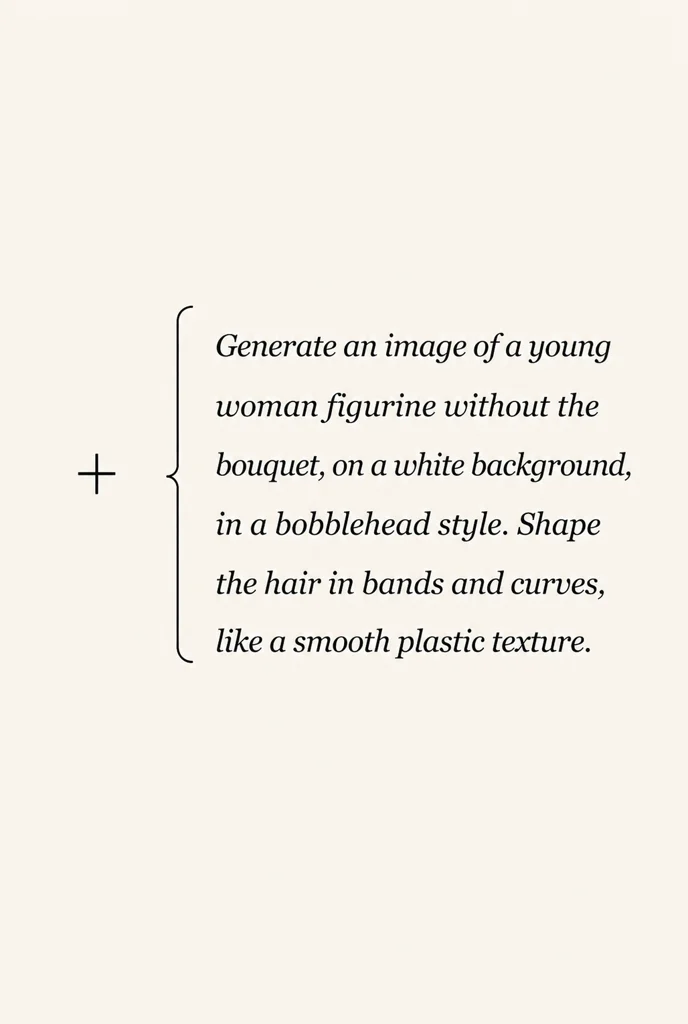
Use text only to generate a new image, add one image to edit it with text, or add two images to merge/edit them with one text instruction. In the prompt, refer to them as image 1 and image 2.

Add reference images
Recommended image size: 300x300 to 4000x4000 px. Preferred file size: up to 4 MB.
Drop PNG or JPG here
click, drag, or paste with Ctrl+V
No reference image selected
Optional
Recommended image size: 300x300 to 4000x4000 px. Preferred file size: up to 4 MB.
Drop PNG or JPG here
click, drag, or paste with Ctrl+V
No reference image selected
Optional

3 free generations after sign-up, then 1 per day

Recommended image size: 300x300 to 4000x4000 px. Preferred file size: up to 4 MB.

Front view
click, drag, or paste with Ctrl+V
No file selected yet
View from right
click, drag, or paste with Ctrl+V
No file selected yet
Back view
click, drag, or paste with Ctrl+V
No file selected yet
View from left
click, drag, or paste with Ctrl+V
No file selected yet
Generation Settings
1 credit · no textures · parts in GLB/OBJ

3 free generations after sign-up, then 1 per day

Your browser does not support Canvas.
Preparing 3D workspace…
SIZE · — × — × — MM
MODEL ON THE BASE From a file or from your saved models
PRINT REINFORCEMENT

BASE + MODEL My Models · STL · millimetres

CAD · experimental

Text + images → a parametric part

Describe the part and attach sketches or drawings. Two independent methods build it and return printable files.

Sign in to open CAD

The tab is available on other plans. Sign in to check yours.

Sign in
01

What to build

02

Known dimensions

Fill in X, Y and Z, or allow the missing dimensions to be chosen.

03

Methods

Each method builds the part its own way and costs 1 credit. Keep both to compare the results.

The credit for a method that fails to build goes back to your balance.

TOOL TRAY · experimental

A tool tray from one photo

Lay the tools out flat and shoot them from above. The service finds the objects, you fix the outlines and the layout, and it returns a plate with pockets: STL, 3MF, DXF and SVG.

Building the model costs 2 credits.

Sign in to open the tool tray

The generator works for signed-in accounts on a suitable plan.

Sign in
1
ФотографияПредметы лежат в одной плоскости
2
МасштабКак перевести пиксели в миллиметры
3
ПараметрыТолько самое необходимое
Дополнительные параметры
ШАГ 1

Начните с фотографии

Сначала проверим масштаб и контуры. 3D-модель не будет строиться вслепую.

Log in to use the 3D model generation form.